Comprehensive Guide to Choosing the Right Hardware for Your Home Setup
Al
Understanding Your Needs
Before diving into purchasing hardware, it's crucial to assess what you need from your home setup. Consider whether your primary use will be for work, gaming, or general entertainment. This will help you decide the type of hardware that best suits your lifestyle. For instance, a gaming setup will require more powerful components compared to a setup for casual web browsing.
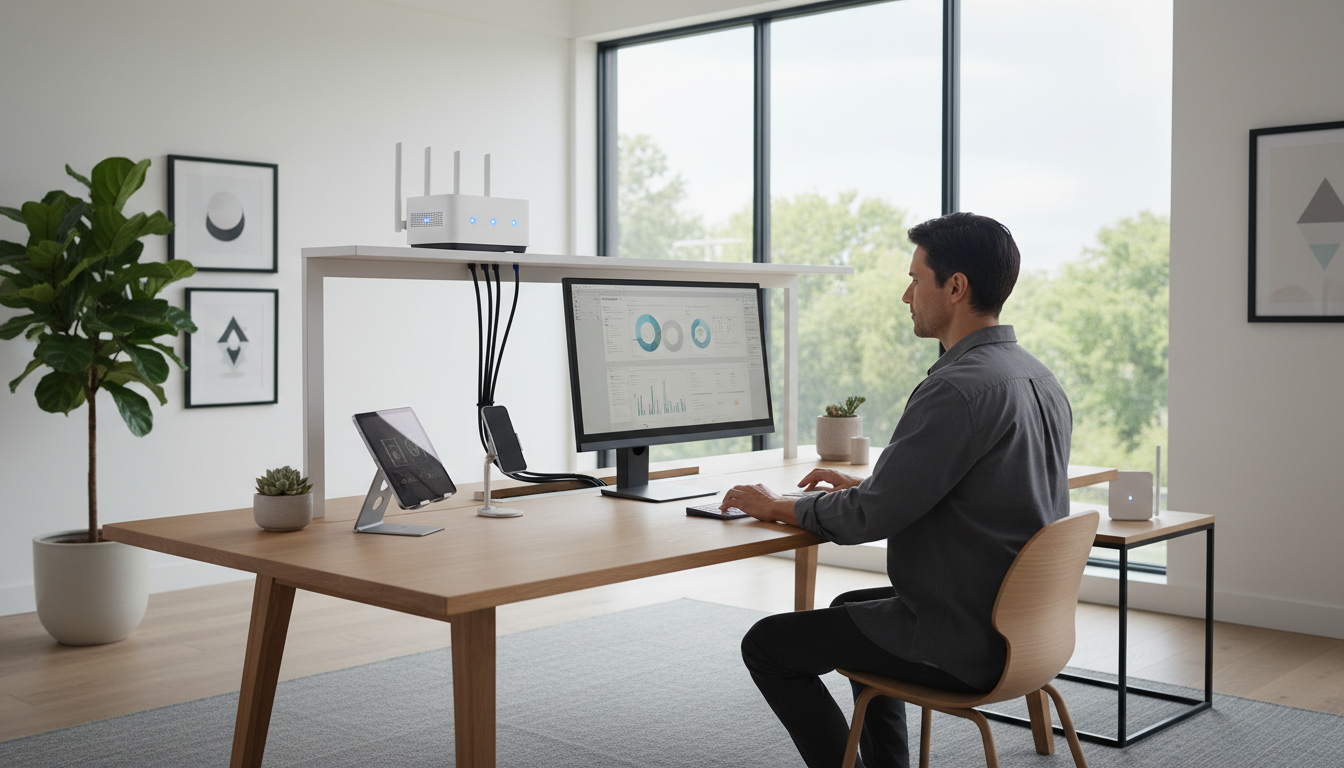
Identify Your Primary Tasks
Consider the tasks you perform most frequently. If video editing or graphic design is in your daily routine, you'll need a high-performance computer with a powerful graphics card. On the other hand, if your activities are mostly office-related, a more basic setup might suffice. Determining your main tasks helps in prioritizing the components you need to invest more in.
Choosing the Right Computer
The computer is the heart of any home setup. When choosing one, consider factors like processing speed, memory, and storage. For power users, a multi-core processor with at least 16GB of RAM is recommended to handle intensive applications. For more straightforward use cases, a dual-core processor with 8GB of RAM might be adequate.
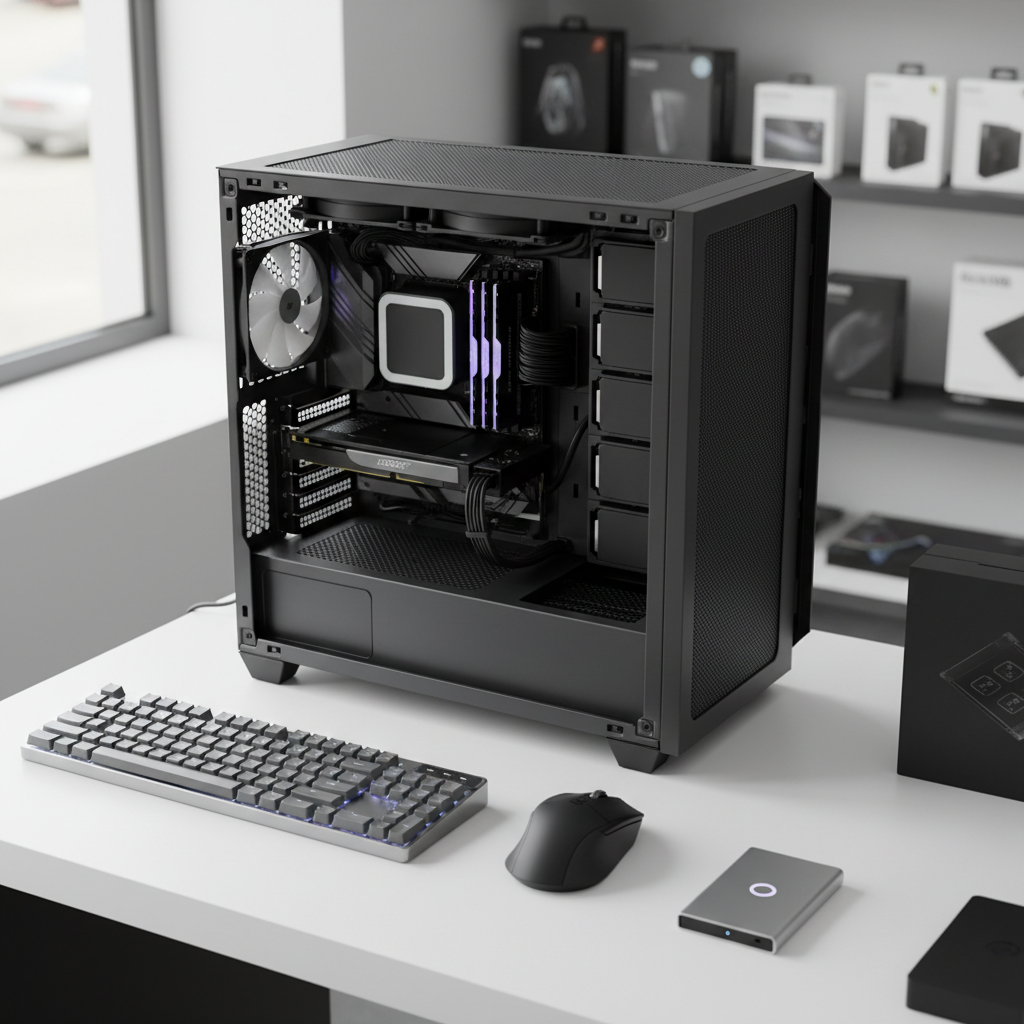
Desktop vs. Laptop
Deciding between a desktop and a laptop depends on your space and mobility needs. Desktops offer more power and upgradeability, making them ideal for stationary setups. Laptops provide the convenience of portability, which is essential if you need to move around or travel frequently. Evaluate your space and mobility needs to make the right choice.
Picking the Perfect Monitor
Monitors are essential for a comfortable viewing experience. When selecting a monitor, consider the screen size, resolution, and refresh rate. A larger screen with high resolution can enhance productivity and gaming experiences. Look for monitors with at least a 1080p resolution, though 4K is preferable for the best clarity.
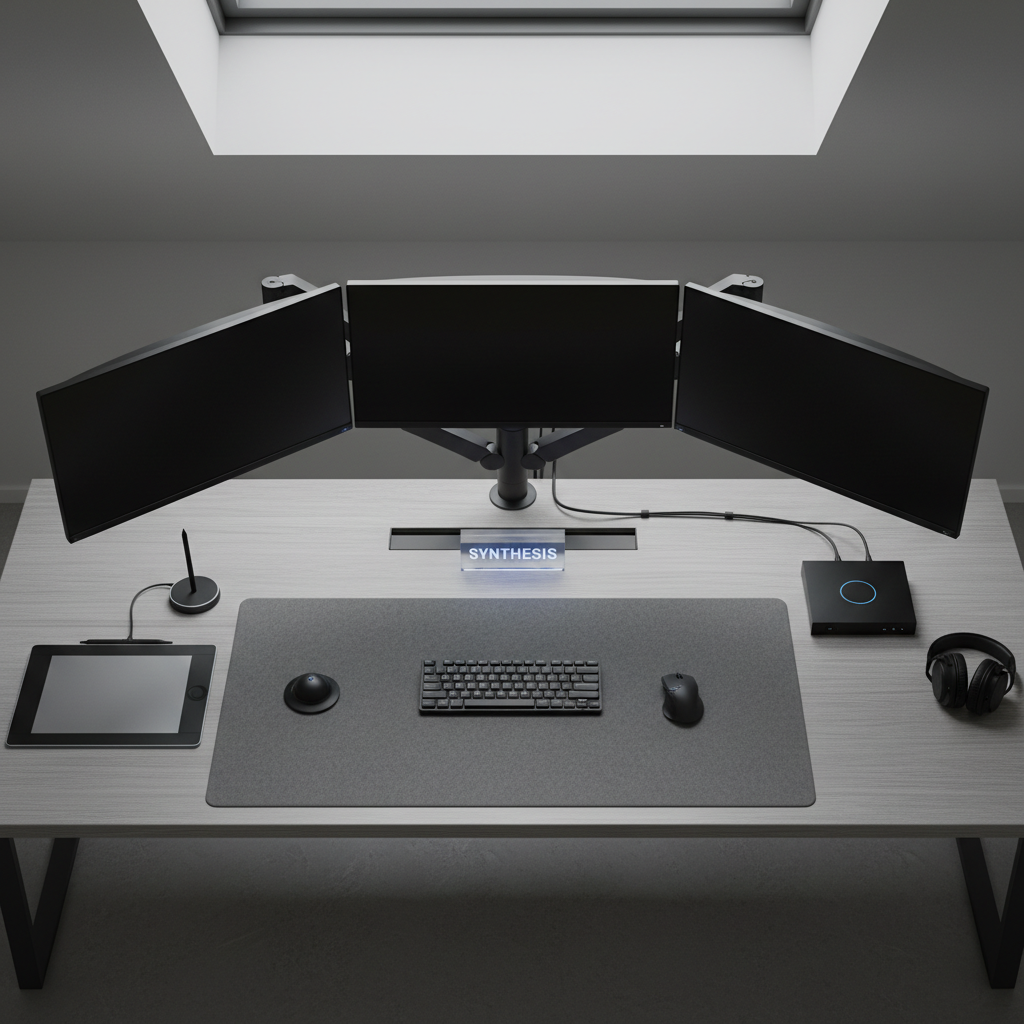
Dual Monitor Setup
For those who multitask, a dual monitor setup can significantly increase productivity. It allows you to have multiple applications open simultaneously without constantly switching windows. Ensure your graphics card supports dual monitors and that your workspace can accommodate them.
Accessorizing Your Setup
Accessories can enhance your home setup's functionality and comfort. Consider investing in a comfortable chair, ergonomic keyboard, and precise mouse to improve your working conditions. Additionally, quality speakers or headphones can enhance your audio experience, whether you're working or enjoying media.

Wireless vs. Wired Accessories
Choosing between wireless and wired accessories depends on personal preference and convenience. Wireless accessories offer flexibility and reduce cable clutter, while wired options are often more reliable and do not require charging. Consider your workspace arrangement and preferences when choosing accessories.
Conclusion
Creating the perfect home setup involves understanding your needs and carefully selecting each component. By focusing on your primary tasks, choosing the right computer and monitor, and accessorizing appropriately, you can create a setup that enhances both productivity and enjoyment. Take the time to assess each component's importance and invest wisely to build a setup that serves you well now and in the future.