Top 5 Maintenance Tips for Prolonging Your Hardware's Lifespan
Al
Regular Cleaning
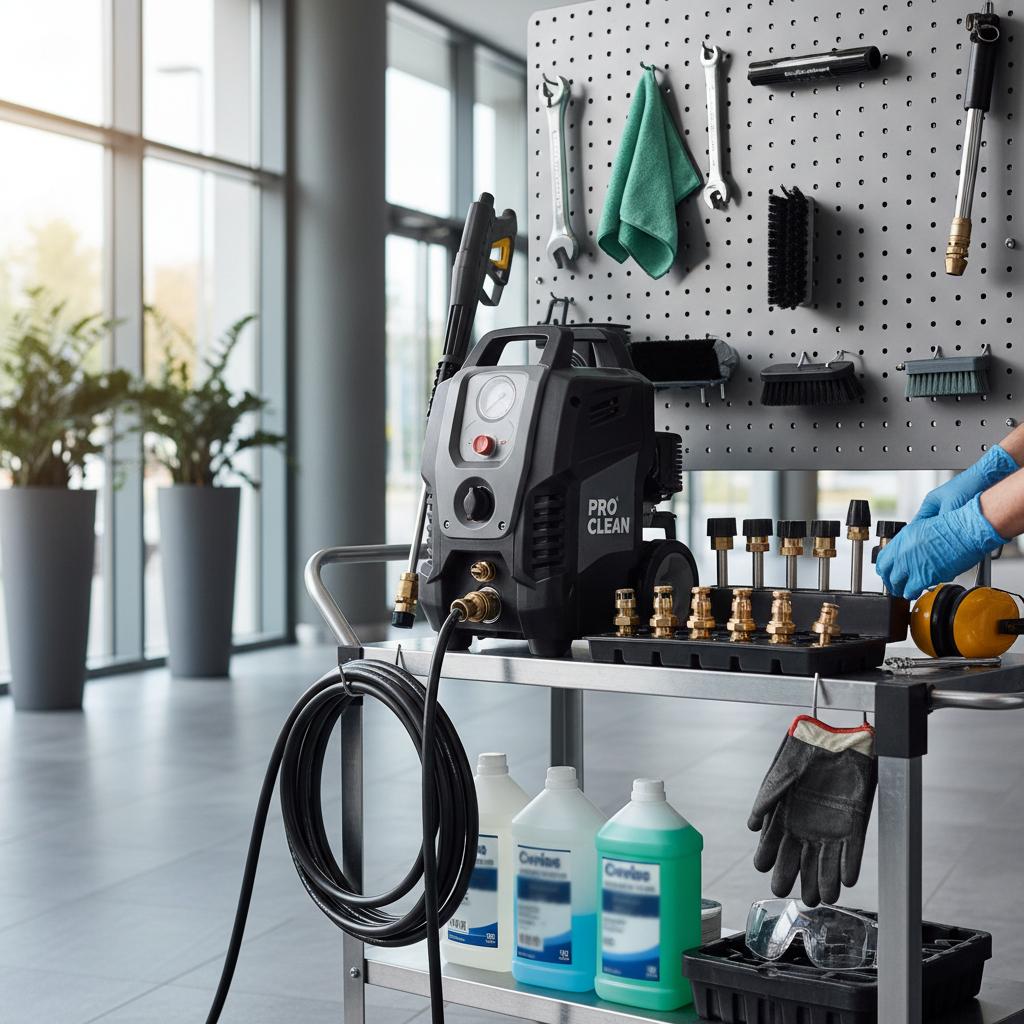
Dust and debris can accumulate inside your hardware over time, potentially causing overheating and other issues. It's crucial to clean your devices regularly to maintain optimal performance. Use a soft brush or compressed air to remove dust from vents and fans. Avoid using liquid cleaners directly on components, as moisture can cause damage.
External Cleaning
For external surfaces, use a microfiber cloth to wipe down your devices. This helps prevent the buildup of dirt and grime, keeping your hardware looking new and functioning properly. Regular cleaning also reduces the risk of germs and bacteria accumulating on frequently touched surfaces.
Proper Ventilation
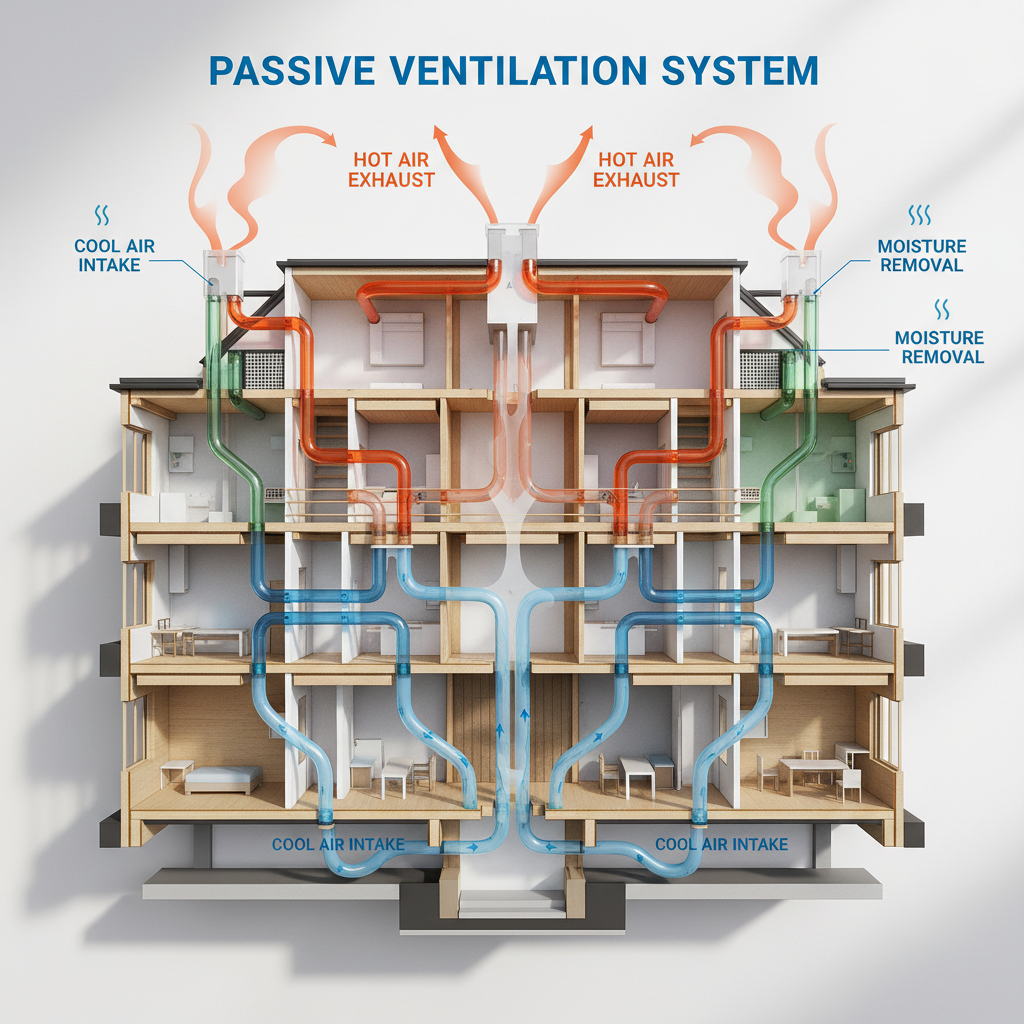
Ensuring your hardware has adequate ventilation is essential for preventing overheating. Place your devices in areas where air can circulate freely. Avoid stacking items on top of one another, and keep them away from walls or other objects that might block airflow.
Cooling Solutions
If your hardware tends to heat up quickly, consider investing in additional cooling solutions. Laptop cooling pads or desktop fans can help maintain a stable temperature, reducing the risk of performance issues and physical damage over time.
Regular Software Updates
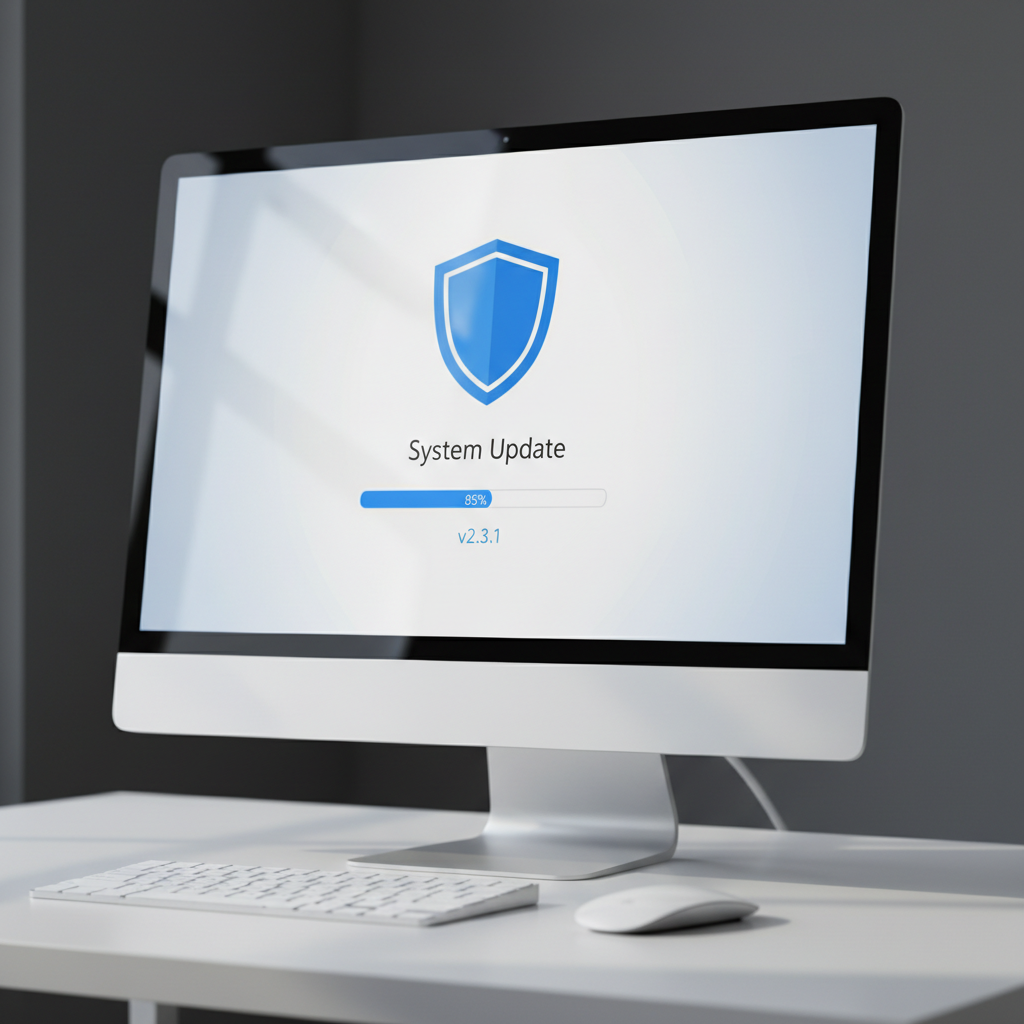
Keep your software up to date to ensure your hardware runs smoothly. Manufacturers often release updates that improve performance, security, and compatibility. Set your devices to update automatically, or check for updates regularly to avoid missing critical enhancements.
Driver Updates
In addition to operating system updates, make sure your device drivers are current. Outdated drivers can cause hardware malfunctions or reduced performance. Check the manufacturer's website for the latest versions, or use dedicated software to manage driver updates.
Safe Storage
Proper storage is vital for prolonging the lifespan of your hardware. Store devices in a cool, dry place, away from direct sunlight and moisture. Use protective cases for portable devices to prevent accidental damage during transport.
Secure Connections
Ensure all cables and connectors are securely attached to prevent wear and tear. Loose connections can lead to data loss or hardware failure, so regularly check and tighten any cables or connections as needed.
Regular Backups
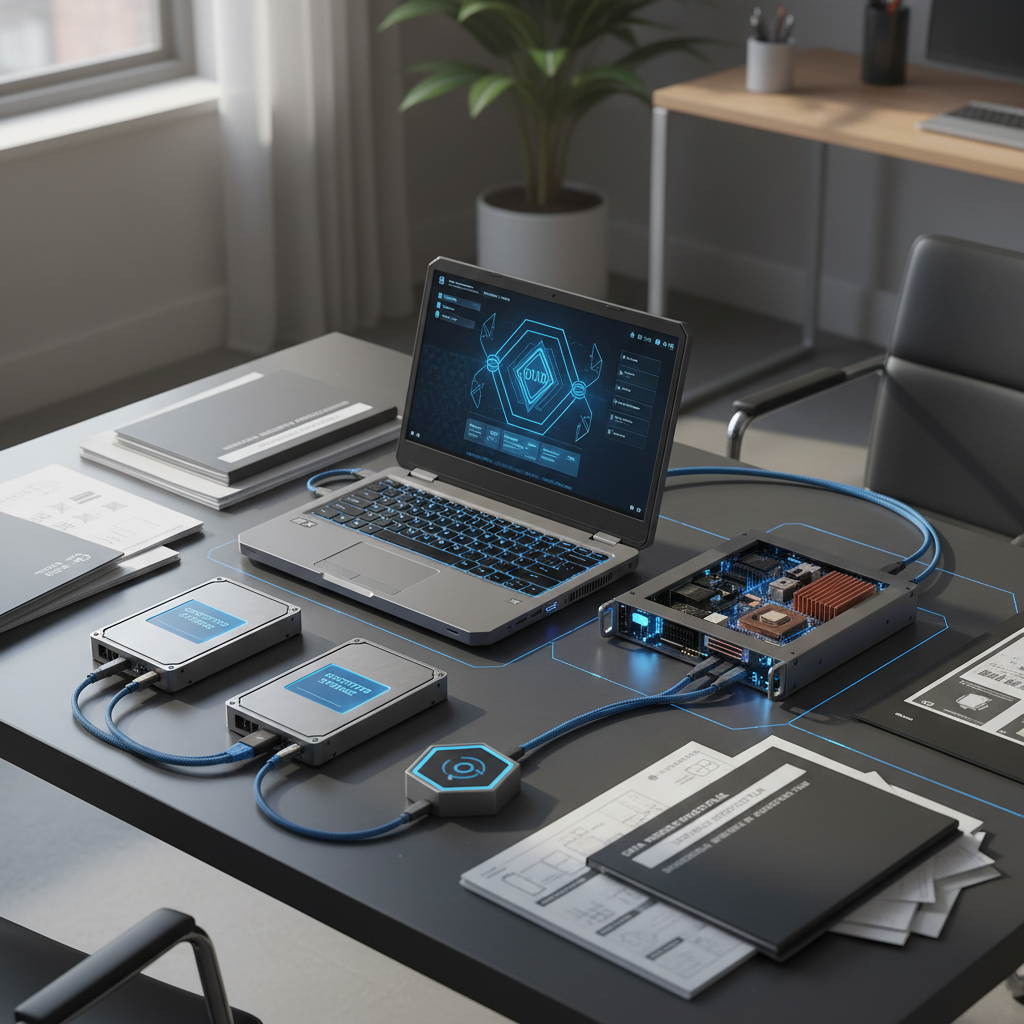
Backing up your data regularly safeguards against data loss due to hardware failure or unexpected events. Use cloud storage solutions or external hard drives to keep your important files safe. Regular backups also make it easier to recover data when upgrading or replacing hardware.
Backup Frequency
Determine a backup schedule that suits your needs. For most users, weekly backups are sufficient, but more frequent backups may be necessary for those handling critical or constantly changing data.